 Luttie
Getting started
Introduction
What Luttie is, what it's for, and how these docs are organised.
Luttie is a color grading editor that runs in your web browser. You load a photo, a RAW file or a frame from a video, change how its colour looks, and take the result away as a graded image, a graded video, or a LUT file that applies the same look in other apps.
There is nothing to install. The grading happens on your own computer's graphics card through WebGL2, so your photos are not uploaded to a server to be processed.
What people use it for
- Building a look once and using it everywhere. Grade a still, then save it as a
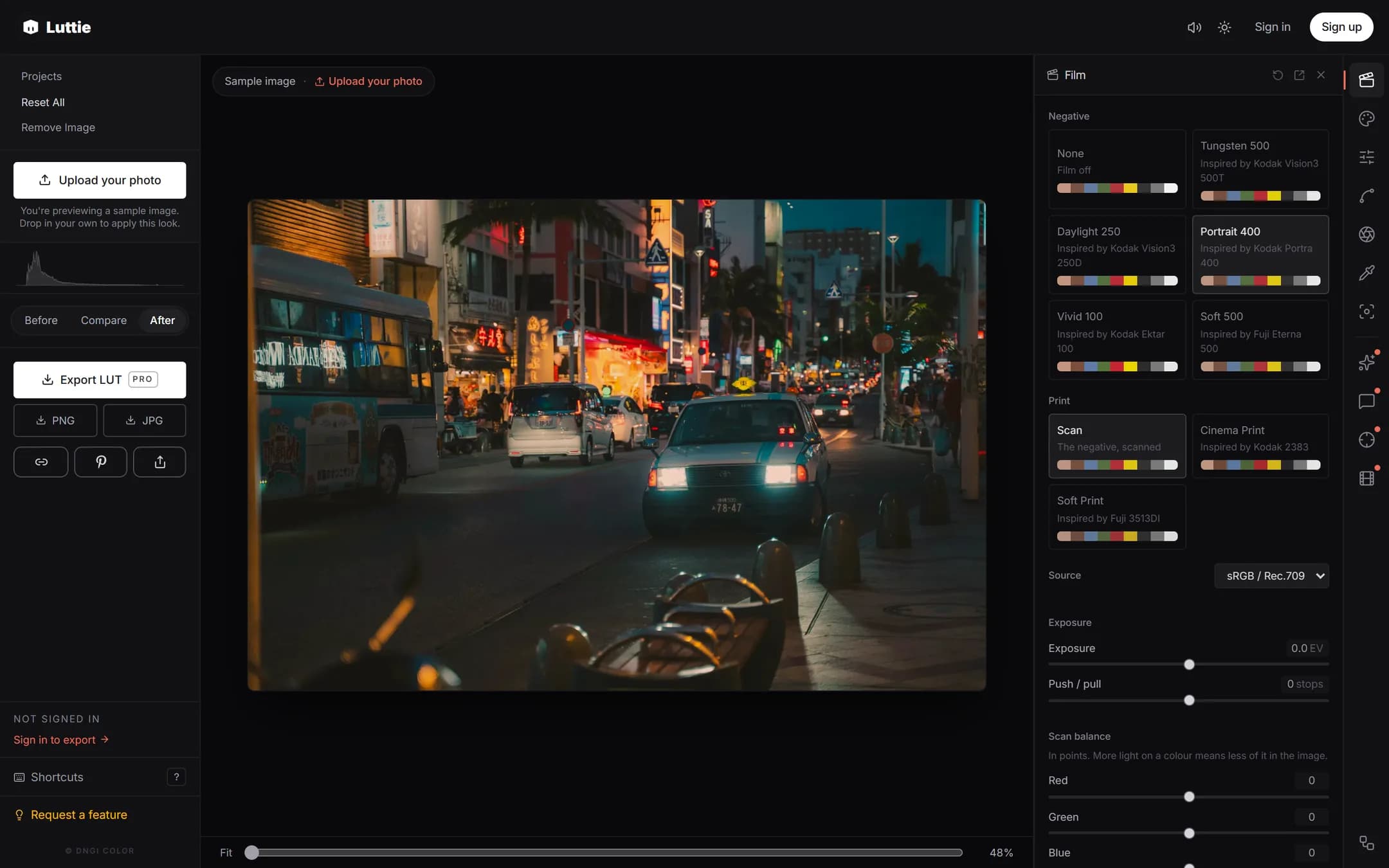
.cubeLUT and apply it in DaVinci Resolve, Premiere Pro, Final Cut Pro, CapCut desktop or Photoshop. - Film emulation. The film engine puts your image through a model of a colour negative and a print, the way film was developed and shown.
- Grading photos directly. Adjust a photo and download it as a JPG or PNG.
- Grading short video clips in the browser without opening an editing app.
If you're new to color grading
Color grading means changing the colours and tones of an image on purpose, to fix it (correction) or to give it a mood (a look). You don't need to know the terms to start. Your first grade walks through a complete edit in about five minutes, and each panel's page explains what its controls do in plain language.
These docs explain Luttie's controls. To learn color grading itself, from what a LUT is to building your own looks, follow the lessons in Learn color grading.
How these docs are organised
- Getting started: loading images and video, what's free, installing Luttie as an app.
- Color grading tools: every panel in the editor, one page each.
- Film emulation: the film engine and film effects.
- AI and matching: AI Grade, Grade Chat and Color Match.
- Export: images, LUTs, video, and sending a result to your phone.
- Workflows: using Luttie's LUTs in other apps, log footage, the node graph, saving your work, and keyboard shortcuts.
Anything that needs Luttie Pro is marked Pro where it's described. The Free and Pro page lists it all in one place.