 Luttie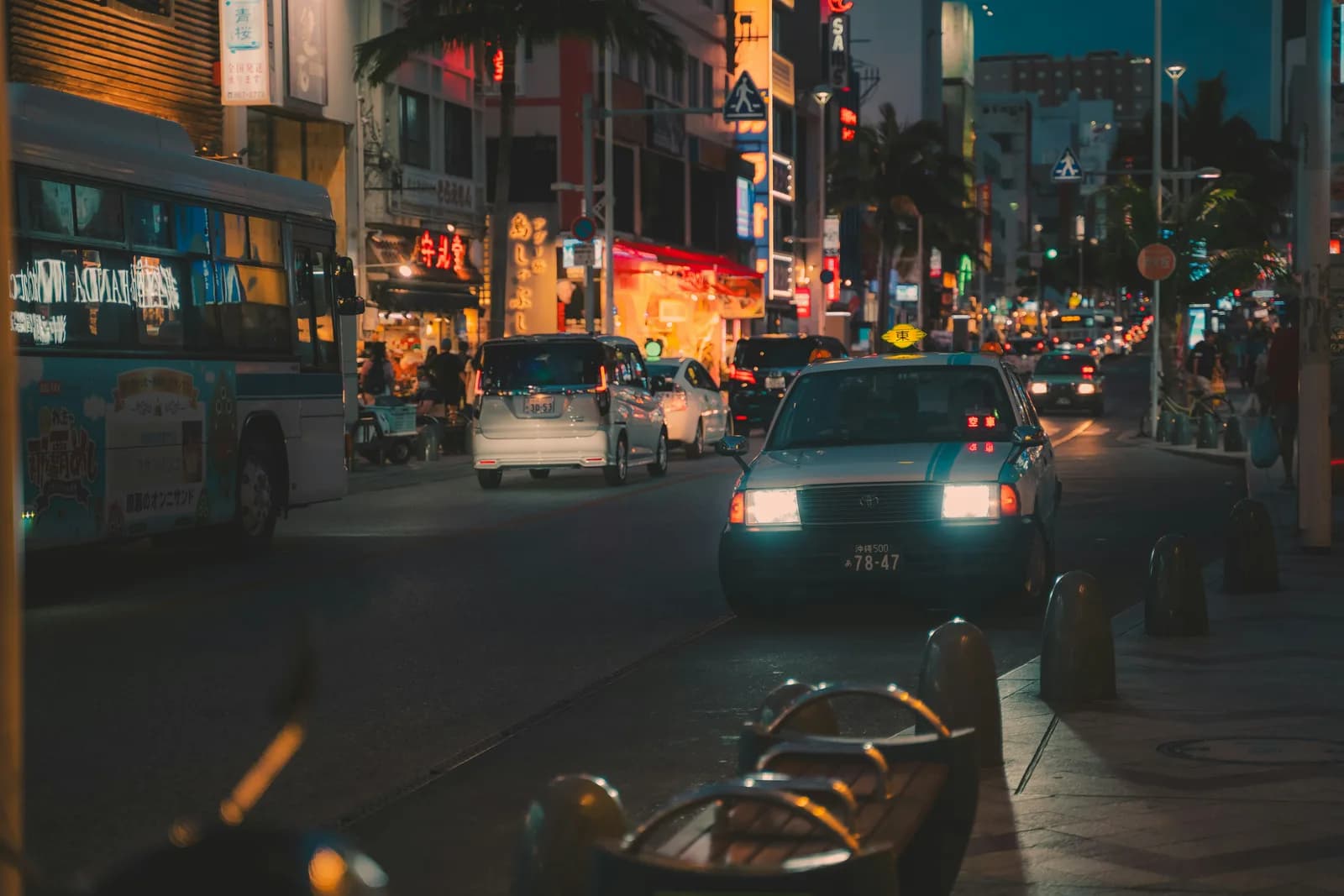
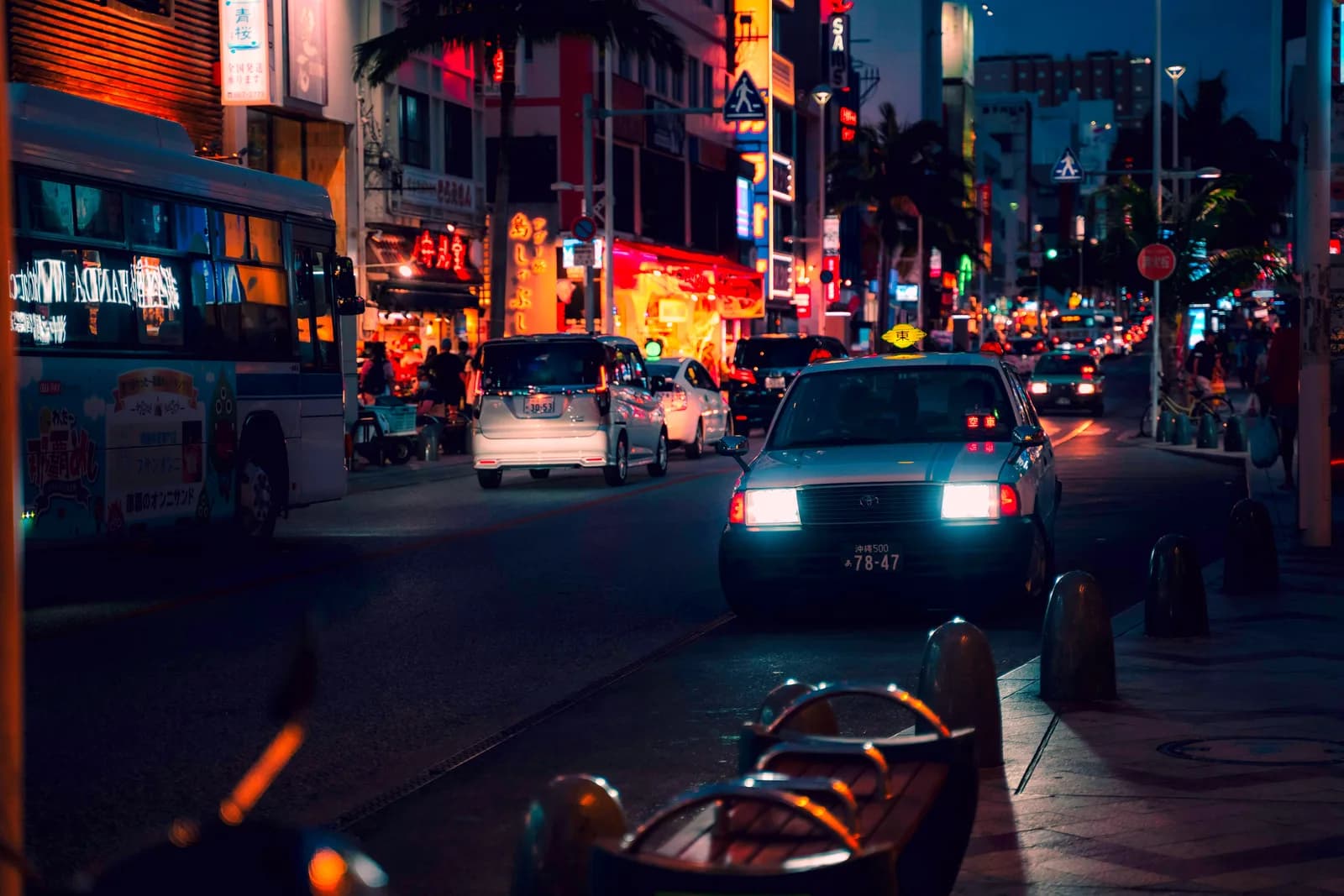
Listing photos that book the place.
Shot on your phone, graded properly.
Most host photos are shot on a phone under mixed lamp and daylight, and it shows: yellow casts, blown windows, dim rooms that look smaller than they are. Correct it once, save the look, and apply it to every room and every future listing update.
The colour problems you hit
And how Luttie handles each one, repeatably.
Warm lamp light indoors
Table lamps and overheads cast yellow. Neutralise it so walls and furniture read their true colour.
Blown-out windows
Bright daylight windows next to a dim room. Pull them back without losing the room's natural light.
A new listing update every season
Refresh photos for a new season or reno without re-learning colour correction each time — reuse the saved LUT.
Bright, accurate photos book more nights
Guests filter listings by thumbnail before reading a word. A clean, bright, colour-accurate set of photos reads as a well-kept, trustworthy stay; a dim, yellow-tinted one reads as neglected — even when the space itself is great. Fixing colour is the highest-leverage edit you can make to a listing.
The workflow
- 1Upload a photo from the room with the trickiest lighting
- 2Neutralise white balance and recover the blown windows
- 3Brighten and warm the space slightly — bright and inviting, not clinical
- 4Export the look as a LUT and apply it to the whole listing set
Get colour right first
Turn phone photos into a listing that books.
Grade one room in the browser, export the LUT, and apply it to the whole space.
Free to grade and export watermarked previews. Pro — from $21.99/mo or a one-time $109 lifetime licence — unlocks clean LUT export, and Luttie is fine to use for commercial and client work.