 Luttie
Export
Exporting images
Save your graded photo as a JPG or PNG, and what the free watermark is.
Under Export in the left sidebar, click JPG or PNG. A dialog shows the file name; change it if you like, then click Export.
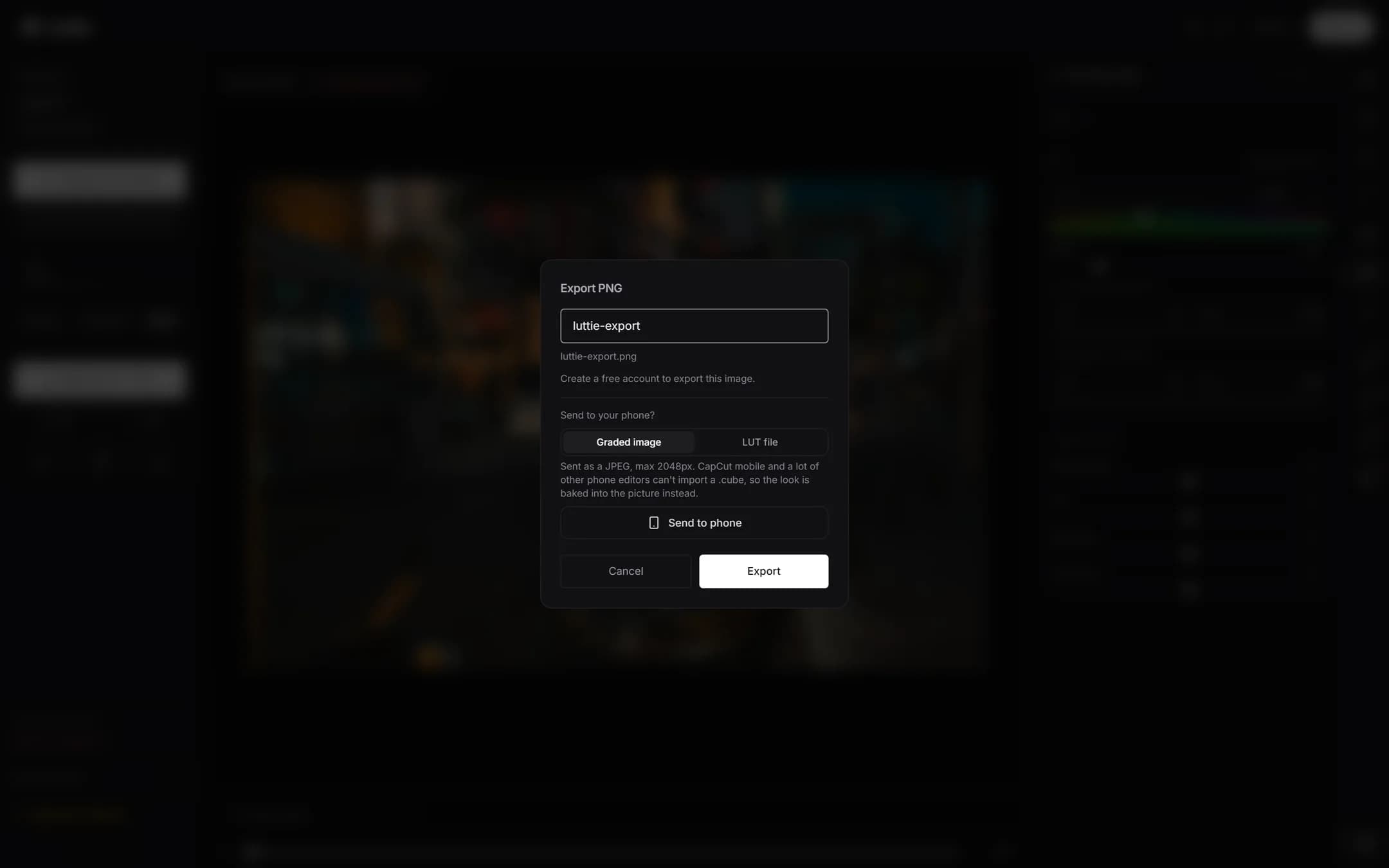
JPG or PNG
- JPG is smaller and right for sharing, social media and the web. Luttie saves it at high quality.
- PNG is lossless and larger. Use it when the image will be edited further.
Accounts and the watermark
- Signed out: exporting asks you to create a free account first. Your grade stays as it is while you sign up.
- Free account: exports carry a small luttie.app watermark.
- Pro: exports are clean.
Other ways to take it away
- Send to phone Pro: scan a QR code to save the graded image straight to your phone.
- Copy grade link: the link icon under Export copies a URL that opens the editor with your grade applied. It carries the settings, not your photo, so it's a way to share a look with someone to try on their own images.