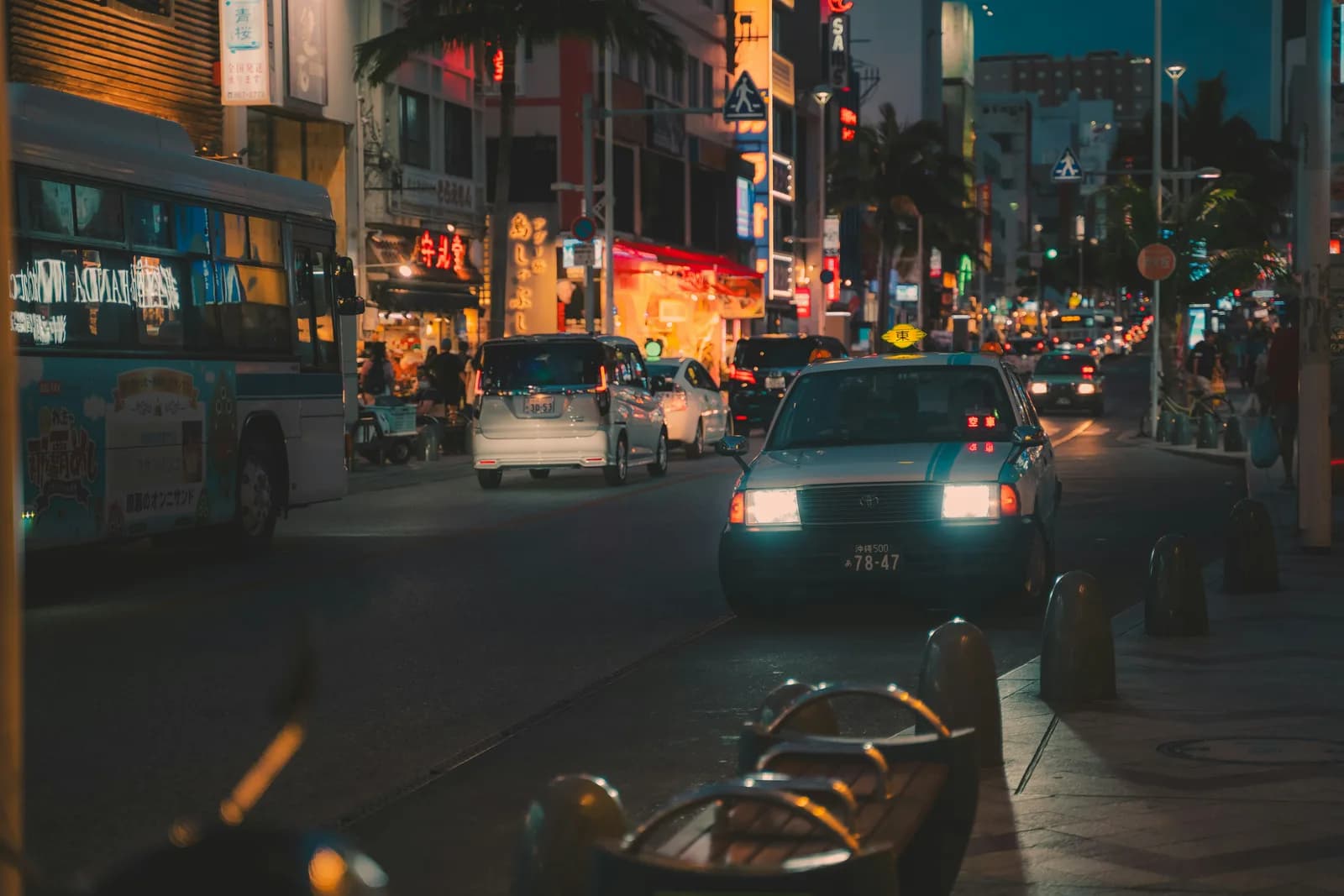
All the tools you need for cinematic color grading, right in the browser. Supports RAW files including CR2, ARW, NEF, and DNG.
Trusted by 840 editors


Drop in an image, RAW file, or video. CR2, ARW, NEF, DNG, TIFF supported — or scrub any MP4/MOV to pick the frame you want to grade.
Dial in your grade with RGB curves, color wheels, HSL secondaries, LUT presets, and vignette — all updating live.
Download a .cube file and apply it in DaVinci Resolve, Premiere Pro, Final Cut Pro, or CapCut — instantly.
From color correction to cinematic LUT grades — Luttie gives you a professional color grading workflow that runs entirely in your browser. Create, edit, and export .cube LUT files in minutes.
Describe a cinematic look in plain English and get three ready-to-export .cube LUTs in seconds. The AI reads your image, understands your intent, and generates real grading parameters — temperature, color wheels, curves, and more.
Learn more →Warm Dusk
Cool Noir
Faded Film
Example prompts
3 free generations for all users · unlimited for Pro
The three effects that separate a colour grade from a film look. Luminosity-blended grain, warm highlight halation, and soft bloom — all in real-time in the browser.
Learn more →Grain
Luminosity-blended film noise — strongest in midtones, fading naturally at shadows and highlights. Control amount and size independently.
Film Grain →Halation & Bloom
Warm glow bleeding from highlights (halation) and soft highlight diffusion (bloom) — the optical signatures that make film stock recognisable.
Apply built-in cinematic LUTs or load your own .cube files. Great for matching looks between cameras or building a consistent color grade.
Learn more →Fine-tune tone and color channel by channel — the same RGB curve workflow used in DaVinci Resolve and Premiere Pro, right in your browser.
Learn more →Shadow, midtone, and highlight color wheels for a complete color grading pipeline. Bring life to flat or log footage with precise tonal control.
Learn more →Use the eyedropper to sample any color from your footage, then isolate and correct just that range. Ideal for selective color grading and skin tone adjustments.
Learn more →Export as .cube or .3dl (Autodesk/Avid) at 17pt or 33pt. Or export a LUT pack — 50%, 75%, and 100% intensity versions in one zip — ready for DaVinci Resolve, Premiere Pro, Final Cut, or CapCut.
Learn more →Draw the eye to the subject with adjustable edge darkening, midpoint, and feather controls.
Learn more →Drop any reference — a film still, a mood board, a screenshot — and Luttie transfers its color palette to your footage automatically. Adjust strength, then export the result as a LUT.
Learn more →Full RAW decode for Sony ARW, Canon CR2/CR3, Nikon NEF, DNG, and RAF. Luttie reads your camera model from EXIF and suggests the matching LUT pack automatically — S-Log3 for Sony, D-Log M for DJI.
Learn more →Drop an MP4, MOV, or WebM and scrub to any frame. Extract it, grade it, and export the result as a LUT — no video editor needed, no re-encoding, all in your browser.
Learn more →Professional color grading at an affordable price
No charge for 7 days —
Questions? Reach out on X
Free to use. No account required to get started.
Open the LUT generator