 Luttie
The golden hour look
Low sun means warm highlights, long shadows and a gentle glow that wraps the subject. Graded rather than shot, it is a careful warm push in the highlights, a cool hold in the shadows, and a soft highlight roll-off that keeps the warmth from turning orange.
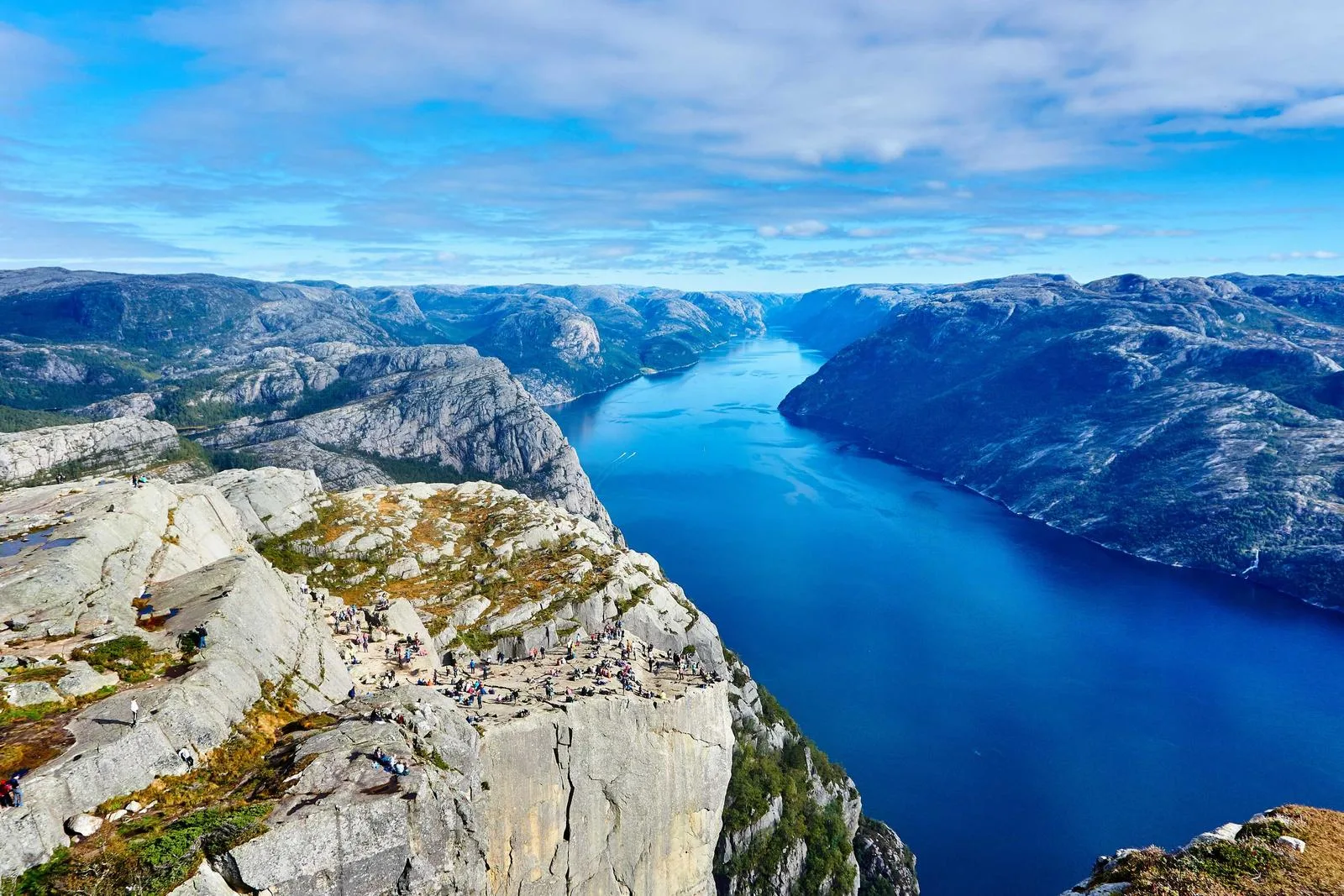
Where it comes from
The hour after sunrise and before sunset gives you light travelling through more atmosphere, which scatters blue and leaves the warm end of the spectrum. Cinematographers plan whole schedules around it because the quality is impossible to buy with fixtures at scale. Grading toward it is the compromise every colourist has made when the shot happened at noon and needs to feel like six.
How to grade it
In order. Every control below exists in the Luttie editor, free to use in your browser.
White balance
Warm the overall temperature slightly, then correct any green cast before going further.
Color wheels — Highlights
Push toward yellow-orange. This carries most of the look.
Color wheels — Shadows
Hold slightly cool, toward blue. Real golden hour has cool shadows — skipping this is why most attempts look like a sepia filter.
RGB curves — Red
Lift the highlight end gently for the glow.
Highlight roll-off
Soften the top of the curve so warm highlights compress instead of clipping.
HSL — Yellow
Lift saturation and luminance a little to make foliage and skin glow rather than yellow.
When it works
Footage shot in flat overcast light that needs warmth
Matching a scene shot across changing daylight
Lifestyle, travel and wedding work
Any frame with a practical light source or backlight to build on
When to avoid it
It fights hard directional midday light, where shadows are short and blue-tinted — the mismatch reads as a filter rather than a time of day. It also flatters nothing in fluorescent-lit interiors.
Frequently asked
Partly. You can reproduce the colour — warm highlights, cool shadows, soft roll-off — and that gets you most of the way on wide and medium shots. What you cannot fake is the direction and length of the shadows, because those are geometry, not colour. If the shot has hard overhead shadows, the grade will read as a filter no matter how good the colour is.
Direct sunlight at a low angle is warm, but shadow areas are lit by the sky rather than the sun — and the sky is blue. That split between warm key and cool fill is the actual signature of golden hour. Grading everything warm loses it, which is the most common mistake.
Roughly the hour after sunrise and the hour before sunset, though it varies with latitude and season — nearer the poles it stretches much longer, and at the equator it can be under 30 minutes. The defining condition is the sun sitting low enough that its light passes through significantly more atmosphere.
Yes. Open a clip in the editor, build the grade on a frame of it, and play it back to check. Then export it as a .cube LUT and apply it across the timeline in your editor. That way every clip in the sequence gets an identical treatment instead of drifting shot to shot.
Build it on your own footage
Drop in a photo or pull a frame from a video, grade it in the browser, and export a .cube LUT for DaVinci Resolve, Premiere Pro, Final Cut Pro or CapCut.
Related looks