 Luttie
The Fujifilm Pro 400H look
Fujifilm Pro 400H was a professional colour negative loved by wedding photographers for its soft, pastel look: airy highlights, gentle contrast and cool, minty greens. Fujifilm discontinued it in 2021. Luttie's Pastel 400 is shaped after it, so you can still put the look on photos and footage.
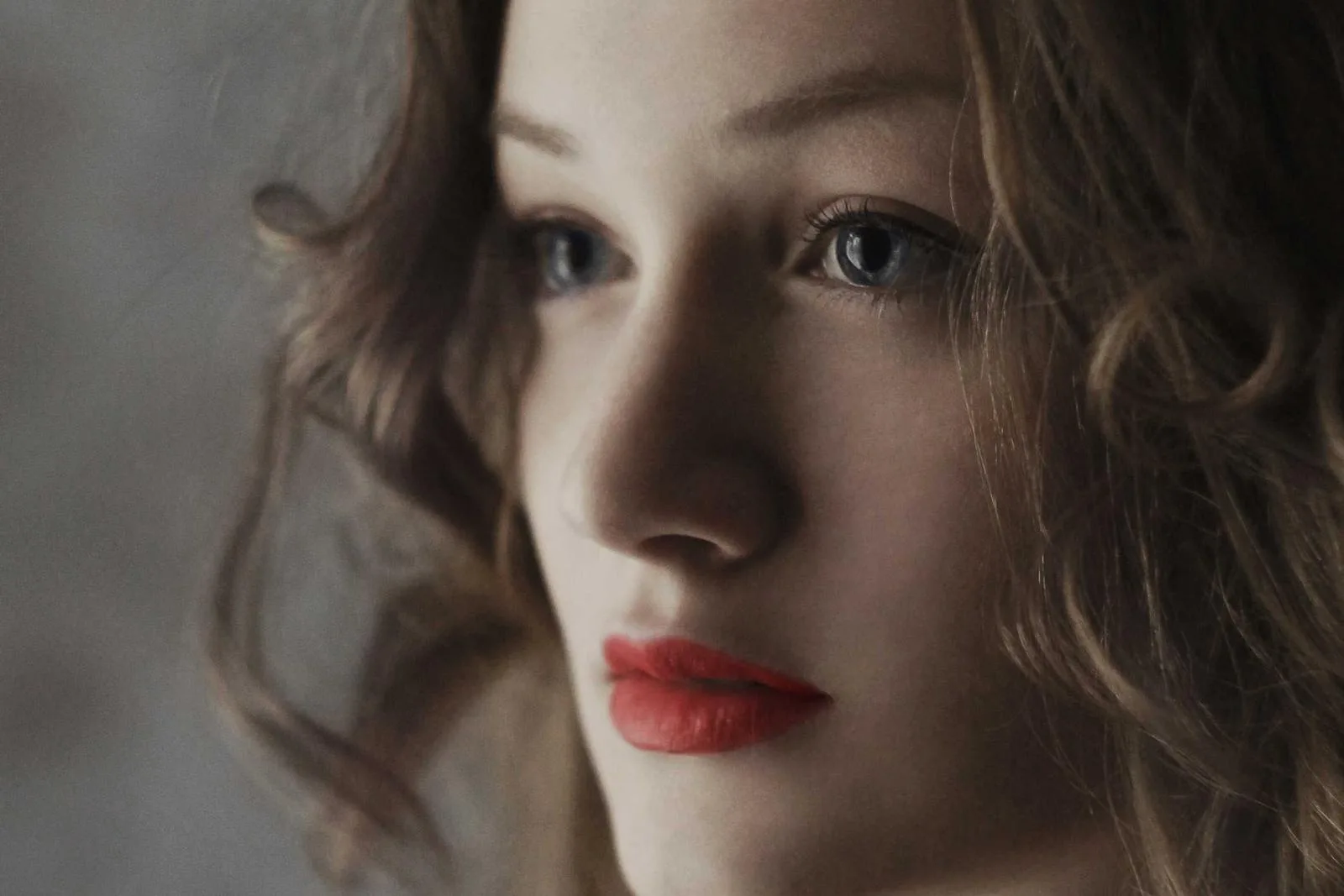
Where it comes from
Pro 400H was a favourite of fine-art wedding photographers, who often shot it on medium format and overexposed it generously for bright, light-filled pictures. Fujifilm gave it a fourth colour-sensitive layer, meant to keep colour clean under mixed light, and it rendered greens soft and cool where Kodak's Portra went warm. When Fujifilm discontinued it in 2021, photographers started trying to recreate it with presets, which is how most people meet the look now.
How to grade it
In order. Every control below exists in the Luttie editor, free to use in your browser.
Film panel → Pastel 400
Pick Pastel 400 as the negative.
Print → Scan
Keep it on Scan. A print stage adds contrast the pastel look depends on not having.
Exposure
+1 to +1.5 EV, the way 400H was usually shot. Highlights go pastel and shadows clean up as the image brightens.
Scan balance
Cool and airy is the stock's character. If skin goes too pale, Blue +2 adds warmth back. More light on a colour means less of it in the image.
Crosstalk
100 is the stock as modelled, already restrained. Around 80 for even softer colour.
Export
Export a .cube (Luttie Pro) for Resolve, Premiere or Final Cut, or a graded image straight from the editor.
When it works
Weddings and engagement shoots
Bright, airy lifestyle photos
Outdoor portraits with greenery, which 400H keeps soft and cool
The overexposed pastel look, without the expense of film
When to avoid it
Warm, golden or punchy work: 400H leans cool and soft, so sunsets lose their glow and high-contrast scenes go flat. Portrait 400 (shaped after Portra) is the warmer choice for skin, and Vivid 100 for saturated colour.
Frequently asked
You can put the 400H look on your own photos and footage free in Luttie's browser editor, and download the graded image. Exporting it as a .cube LUT to use in other apps is part of Luttie Pro.
Both are soft, forgiving portrait films. 400H leans cool, with pastel, minty greens and airy highlights; Portra leans warm, with golden skin. In Luttie, Pastel 400 and Portrait 400 can be compared on the same photo by switching the negative.
No. Film simulations and recipes are settings inside Fujifilm X cameras, so they only work on photos from those cameras. Pastel 400 is a model of the film itself: you can apply it to photos or footage from any camera, and export it as a .cube LUT.
Lightroom can't load a .cube file directly, but Adobe Camera Raw can build one into a profile that Lightroom then uses like a preset. Photoshop's Color Lookup adjustment layer takes a .cube as-is.
No. Pastel 400 follows the direction of Fujifilm's published Pro 400H curves, with its cool highlights and soft greens chosen by eye. It hasn't been measured against real film, and Luttie isn't affiliated with Fujifilm.
Build it on your own footage
Drop in a photo or pull a frame from a video, grade it in the browser, and export a .cube LUT for DaVinci Resolve, Premiere Pro, Final Cut Pro or CapCut.
Related looks
Fujifilm and Pro 400H are trademarks of FUJIFILM Corporation. Luttie isn't affiliated with Fujifilm; its film stocks are inspired by published data about real films, not copies of them.